Color Picker
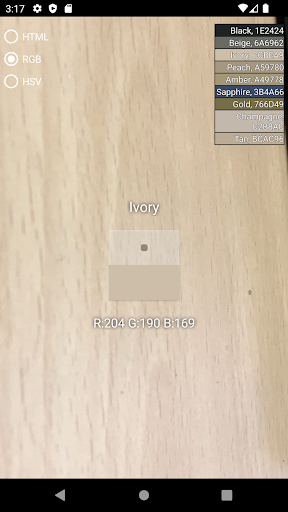
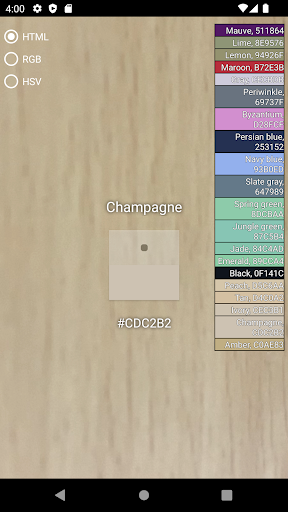
First, focus the camera on the part you want to know.Immediately informs the color of the square focus.The color value of the selected part is reported as a hexadecimal value for HTML and a decimal value for RGB.If you touch the color value text, it is copied to the clipboard.You can adjust it to the appropriate recognition speed.Tap the camera icon to temporarily save the current color.
Features
📸
Camera Features
Advanced camera features with editing capabilities.
🌤️
Weather Features
Get accurate weather forecasts and real-time updates.
⚡
Lightning Fast
Experience blazing fast performance with our optimized Android application.
Screenshots
See Color Picker in Action

Get the App Today

Available for Android 8.0 and above
Ask AI about this app
Get instant answers about features, tips and more from popular AI assistants.